Step 1: 先下載 .bundle 檔案
不需要帳號密碼的下載來源:
- TechSpot 然後會出現以下的下載圖示,選擇任一版本下載即可。
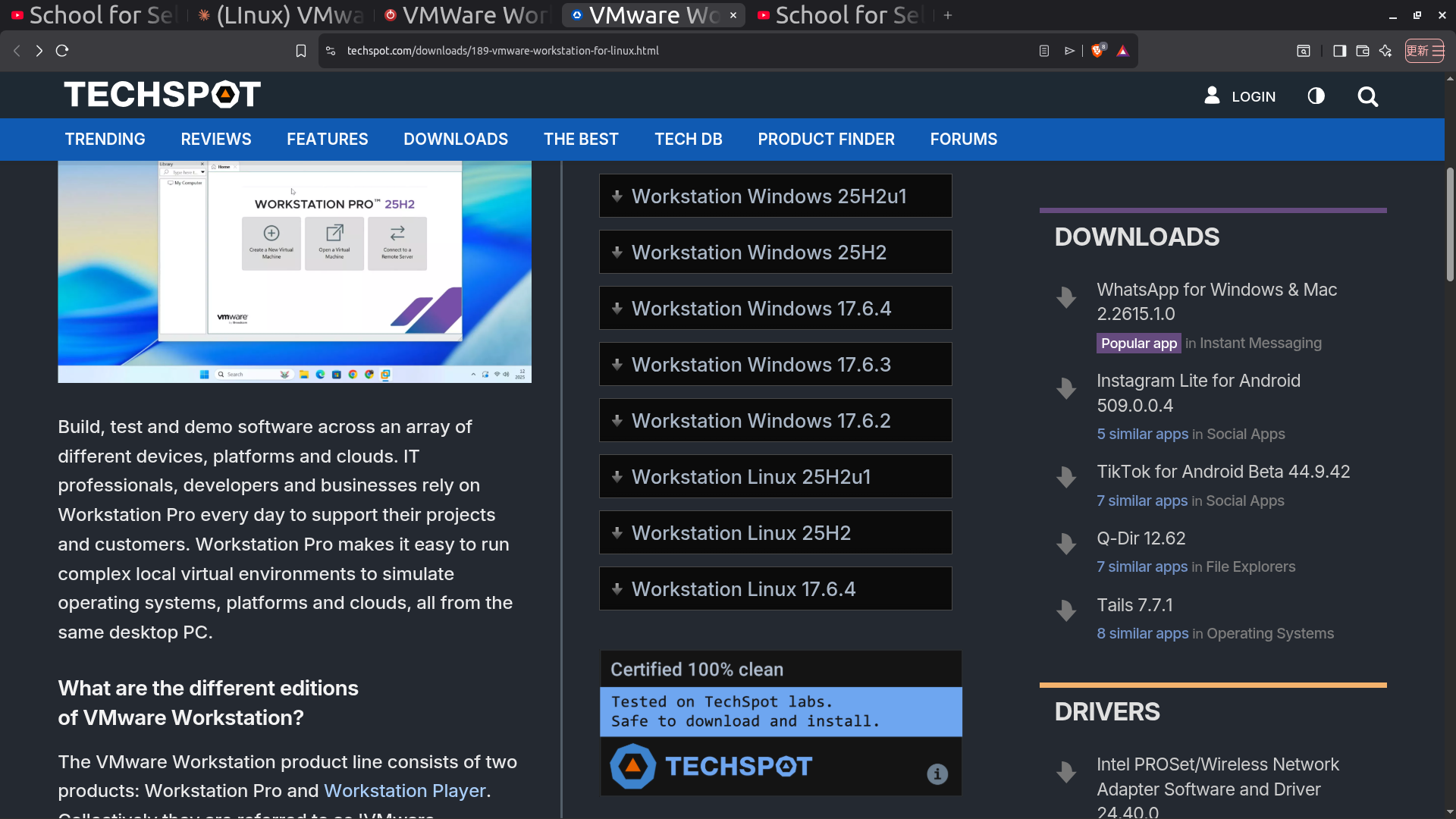
- TechPowerUp (對於使用Windows 的用戶,本文不示範)
對於 Linux 用戶,開啟終端機,打入
sh ./VMware-Workstation-*.bundle
即可下載。
Step 2: 檢查下載點(可省略)
sudo apt install gcc build-essential linux-headers-$(uname -r) make -y
Step 3: .bundle 檔案 提昇成可執行權限,才有辦法下載
chmod +x VMware-Workstation-Full-*.x86_64.bundle
Step 4: 載入執行檔
export LC_ALL=C
sudo ./VMware-Workstation-Full-*.x86_64.bundle
原則上就完成了。